Where international guests get stuck in Korean accommodation · EP. 05
Guest experienceHelp international guests use boilers and appliances
Introduction
Korean boiler controllers labeled Heating, Hot water and Away can be unfamiliar. Explain the functions guests need with photos of the actual controls.

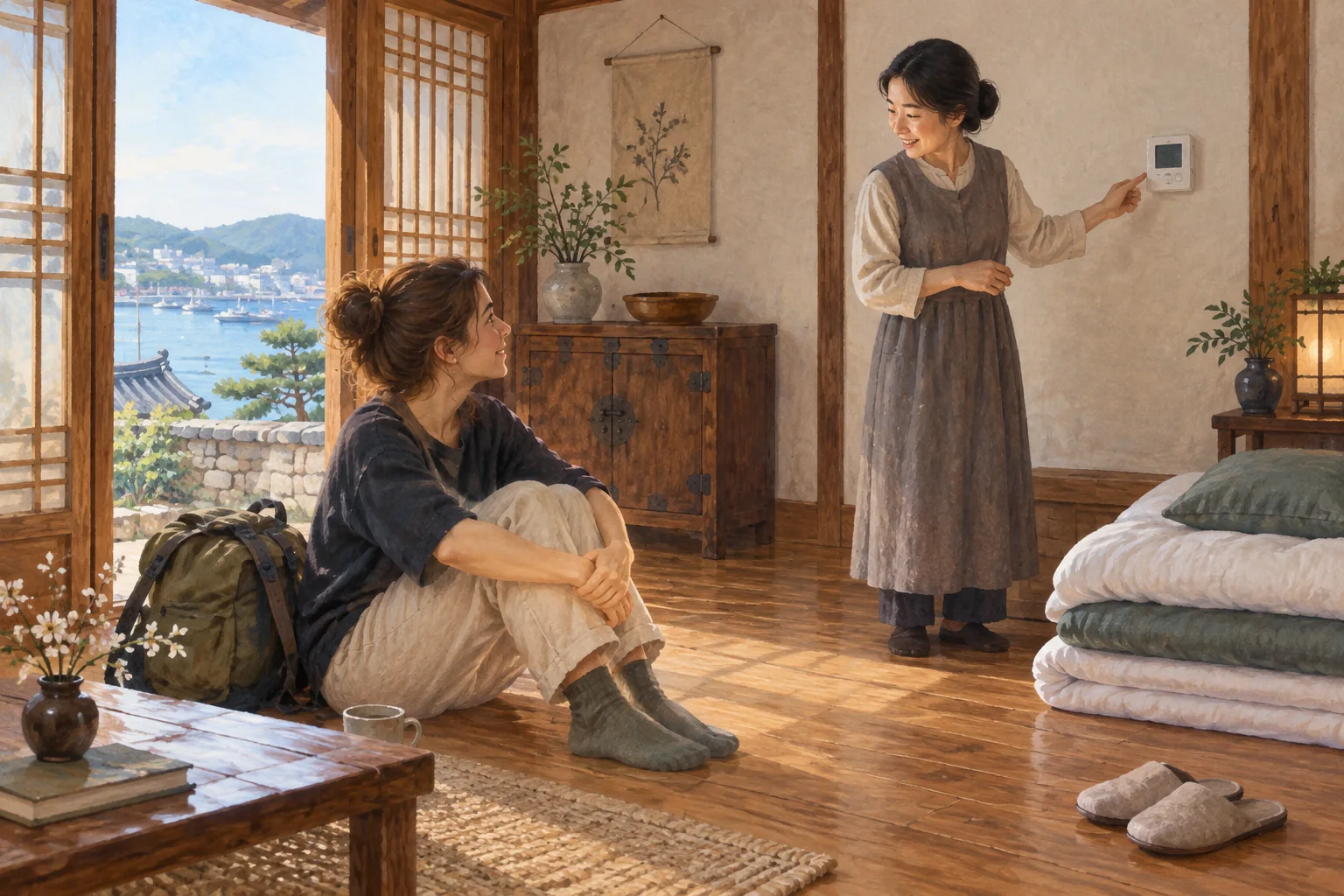
- Ondol floor heating and Korean boiler controllers can be particularly unfamiliar.
- Instructions based on a similar model can lead to faults or safety problems.
- Guests often need only power, heating, hot water and temperature.
- Include the Korean button names printed on the controls.
- Check temperature and gas-related guidance against the actual equipment before publishing.
Learn more
Familiar buttons can be the hardest thing to explain
Heating is a common question from international guests in winter. Korean ondol differs from radiators and central heating elsewhere, while wall controls may say 난방 (Heating), 온수 (Hot water) and 외출 (Away). Korean air-conditioner and washing-machine buttons can also lead to selecting an unintended function.
Where do guests get stuck?
Translating Away does not explain what the mode does. Explaining every button makes essential functions hard to find too. For a boiler, focus on power, heating, hot water and temperature; for a washer, the standard cycle and detergent drawer; for an air conditioner, power, cooling and temperature.
Models from the same manufacturer can have different controls and functions, and some functions may be unavailable at your property. Unchecked instructions can create faults or safety risks as well as inconvenience.
What hosts can prepare
Start with actual equipment photos
Prepare an overview and a close-up of the controls. Photograph them straight on without fingers obscuring buttons. Update photos when the model changes.
Lead with frequently used functions
Start with heating and hot water, cooling or a basic wash. Add other functions when needed.
Give one action per step
Write power on, choose mode and set temperature as separate steps. A photo of the screen after each action makes the result clearer.
Verify safety-related numbers
Check recommended temperatures and gas or leak instructions against the property and manufacturer manual. Review automatically translated safety wording before publication too.
Wording you can adapt
Turn on floor heating (living-room wall controller)
① Press 전원 (Power) to light the screen.
② Press 난방 (Heating). A flame icon appears.
③ Adjust the temperature with ▲▼. The floor takes about 30 minutes to warm up.
When leaving, press 외출 (Away). In this example, low heating remains on so the room warms more quickly when you return.
Adapt the button names and timing after checking your own equipment.
In stayV Host
Amenity cards can show actual photos and short instructions for air conditioners, boilers, washers and TVs. The paid Plus plan also supports instructions with a photo for each step. Update both the card’s photos and text when equipment changes.