Challenges hosts face in accommodation operations · EP. 02
Host operations“The TV doesn't work”: is it a usage issue or a fault?
Introduction
A short message about a TV does not tell you whether it is broken or being used differently. Learn what to ask first and when the host should take over.

At a glance
- “It doesn’t work” can describe either a usage issue or a real fault.
- Avoid assuming that the guest made a mistake or that the appliance is broken.
- Ask which appliance it is and what is showing on the screen.
- Ask guests only to check what they can see from outside; the host handles the next steps.
- Keep three lines of inspection notes: symptom, action and result.
Learn more
What should you ask after “It doesn’t work”?
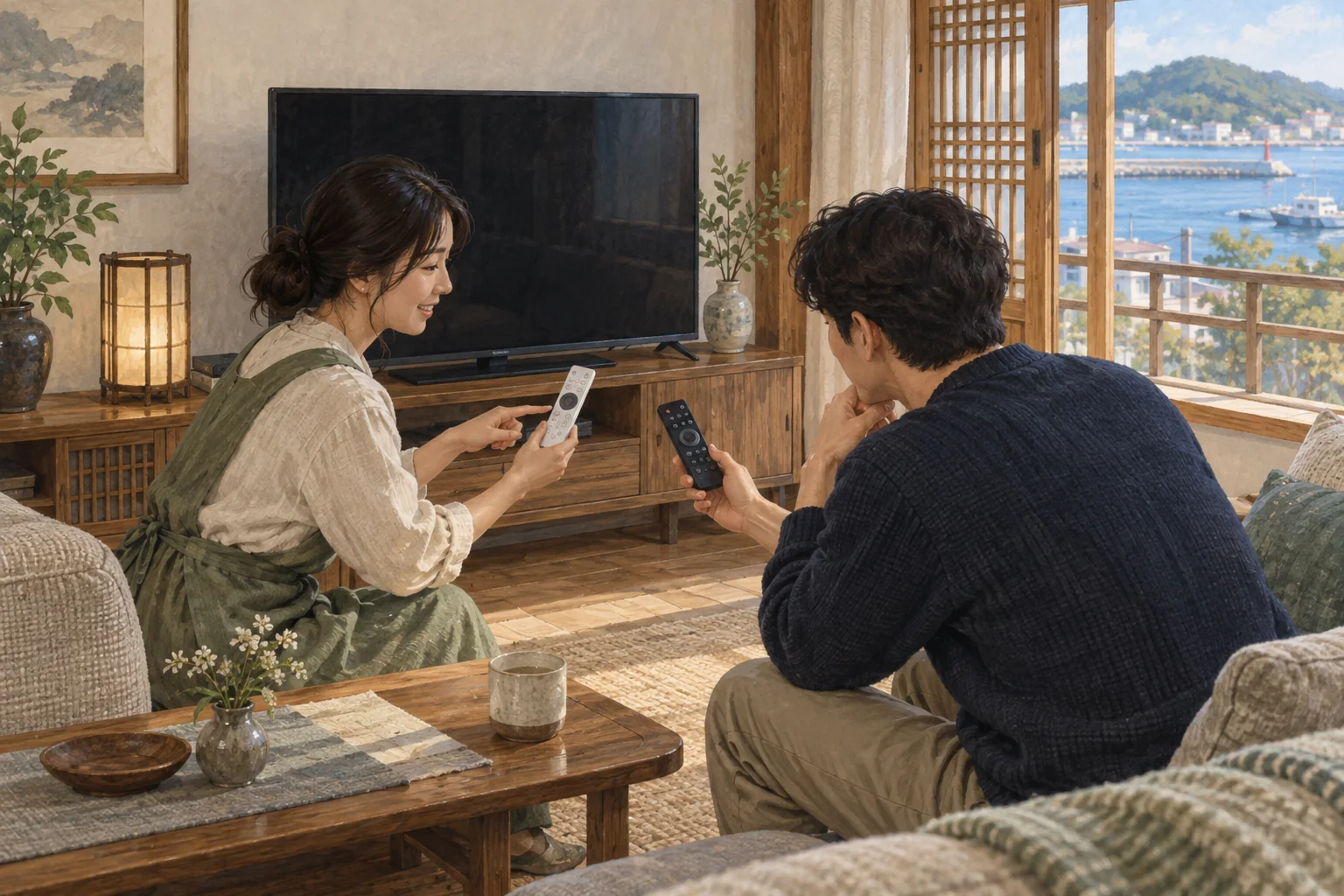
“The TV won’t turn on.” For a host away from the property, that message leaves a lot unanswered. Is there no power, a “No signal” screen, or a different remote being used? Assuming a fault sends you straight to repairs. Assuming a usage problem leaves the guest hearing the same explanation repeatedly.
Separate normal use from troubleshooting
Usage instructions explain how to get the desired result when an appliance works normally. Troubleshooting checks its current state and establishes who will look at it next. Mixing both makes the guide harder for a first-time user to read and harder for someone with a problem to act on.
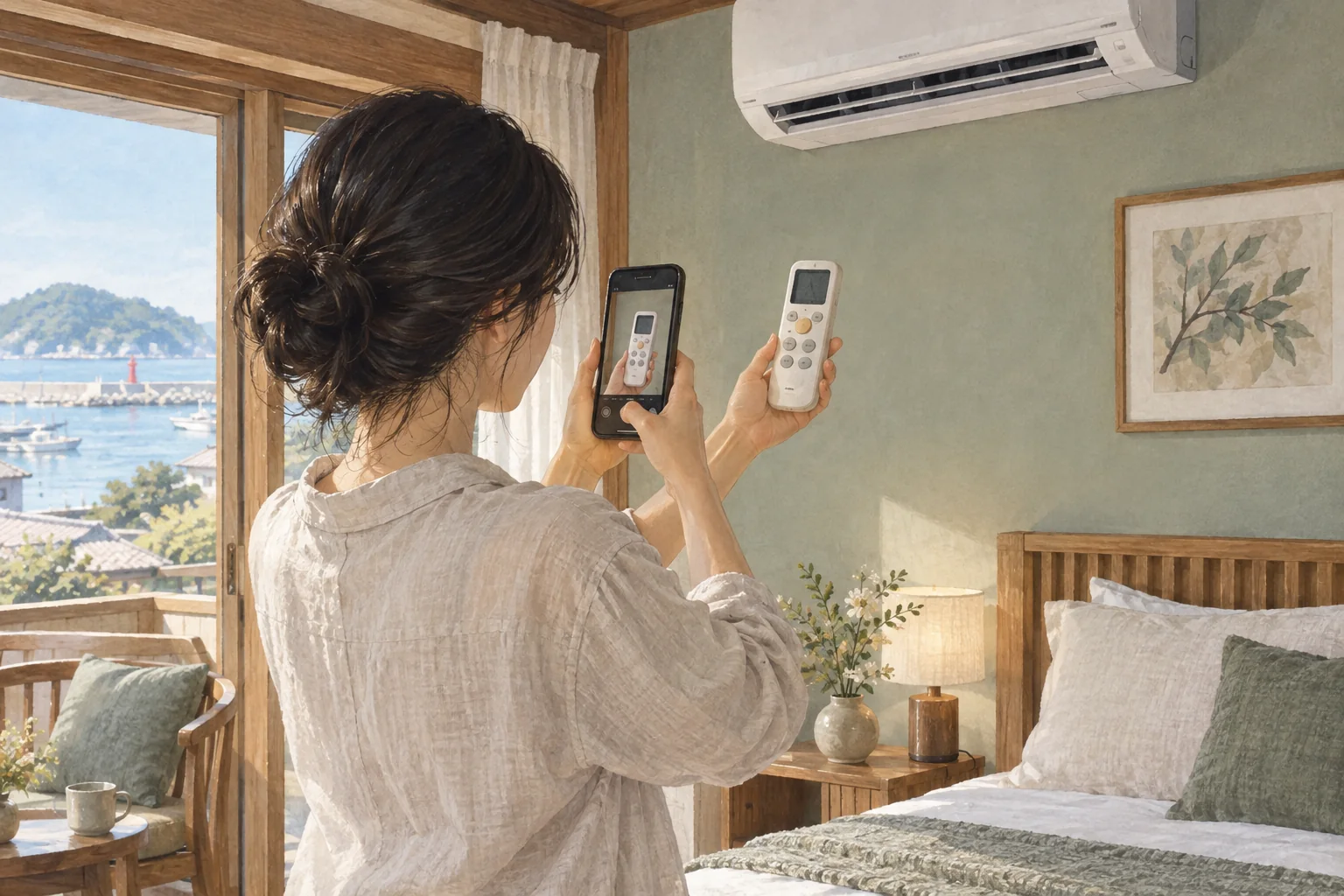
Use a photo of the actual remote and basic steps in the usage guide. In the troubleshooting guide, include two or three checks and a contact method. Decide when the guest should stop trying and the host should take over.
Keep the first reply short and specific
Include both what to check and what will happen next so the guest knows where the conversation is going.
Please tell me which room’s TV you are using and what message appears on the screen. Could you also check whether your remote matches the photo I sent? If the problem is still the same, I will explain the next check.
Do not ask a guest to open electrical or gas equipment or touch wiring. If there are warning signs such as smoke or a burning smell, tell them to stop using it first.
Replace the photo when you replace the appliance
You may have replaced a remote while an old photo remains in the guide. Treat replacing the appliance, updating the instructions and checking the guest screen as one job so the next reservation does not inherit the confusion. Also distinguish “Repair requested” from “Operation checked after repair.” A technician’s planned visit is not enough to promise normal use to the next guest.
Three lines are enough for an inspection note
| Line | Example |
|---|---|
| Symptom | Living-room TV displays “No signal” (guest message, afternoon of October 4) |
| Action | Selected HDMI1 using the remote’s Input button |
| Result | Picture and sound checked and working / or “Awaiting an on-site inspection” |
Even if this solved a previous problem, do not assume the cause is the same this time. Different symptoms may call for a different sequence of checks.
How to use stayV Host
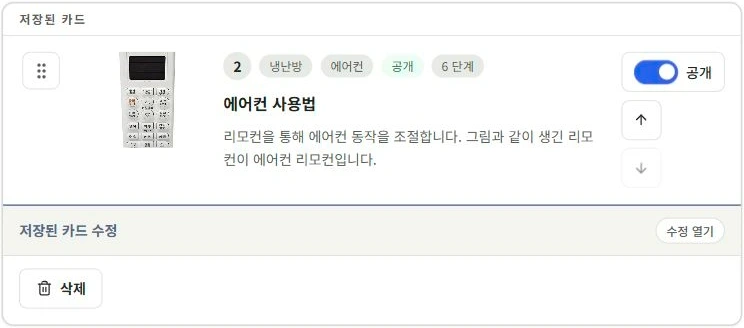
Amenity cards in stayV Host can show the actual remote and basic usage steps. Put common symptoms and contact instructions in a separate FAQ so normal use and problem situations are easy to distinguish. After saving, read the photos and steps together in the guest preview.
See the stayV screens
Read next
Previous: When repeated guest questions take over your day
Next: When to share the address and when to reveal door codes
Related help · stayV Host public help: Arrival, stay-information and amenity cards · Today’s tasks, preparation schedules and reservation messages.